

Votes Integration
In this tutorial, we will learn how to connect a votes provider to Discord Analytics to receive statistics on the dashboard.
Compatibility
Discord Analytics is compatible with the following votes providers:
| Provider | Compatibility status |
|---|---|
| Top.gg | ✅Fully compatible |
| BotList.me | 🏗️Compatible (but may contain bugs) |
| Discord Bot List | ✅ Fully compatible |
| Discord Place | 🏗️Compatible (but may contain bugs) |
| Discords.com | ✅ Fully compatible |
| Botillon | 🏗️Compatible (but may contain bugs) |
INFO
Want more? Ask us on our Discord Server 😉
Configuration
WARNING
The one-click configuration is not available for self-hosted instances.
- Login on top.gg
- Go to your bot's page (
https://top.gg/bot/:your-bot-id) - And click on "edit"
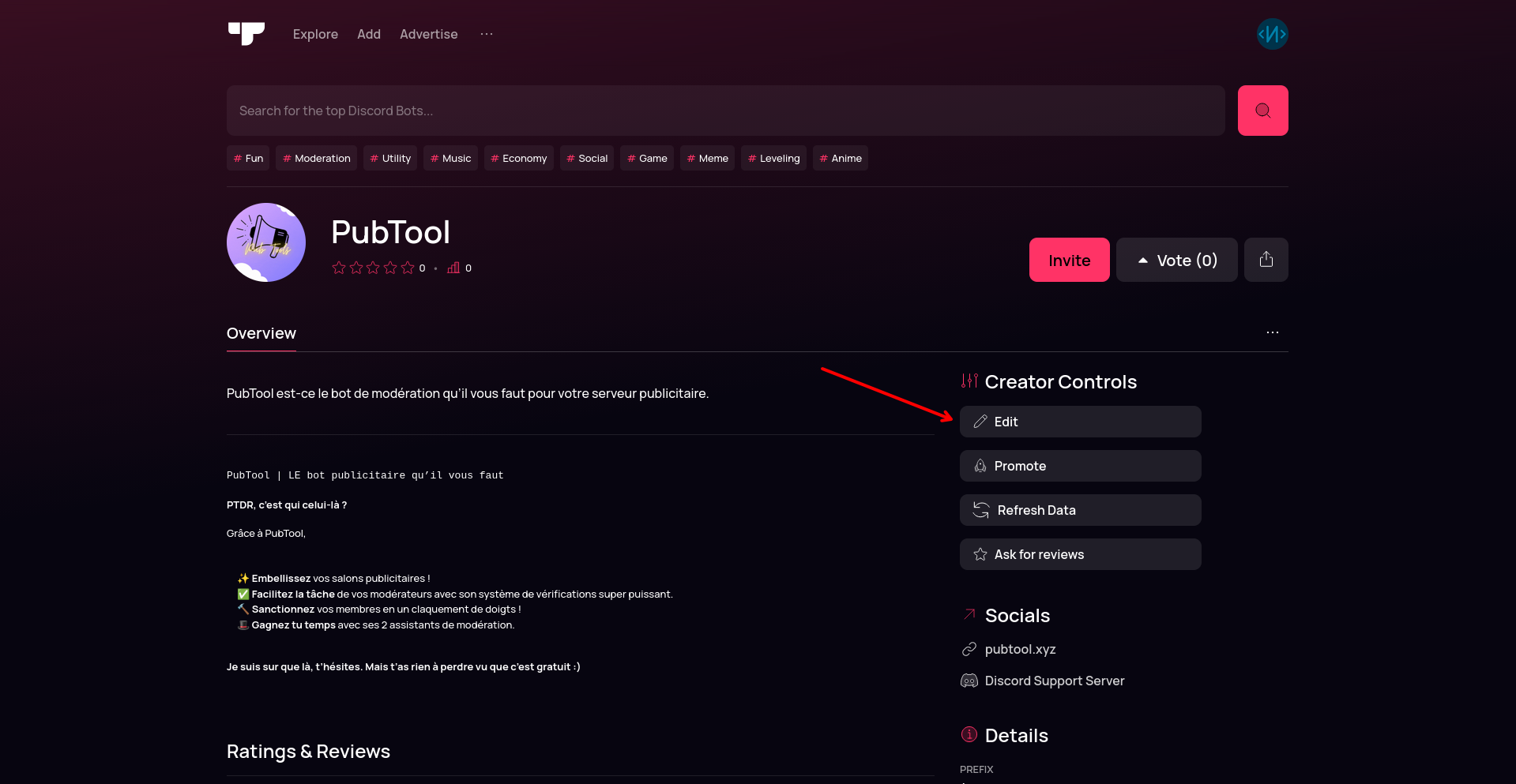
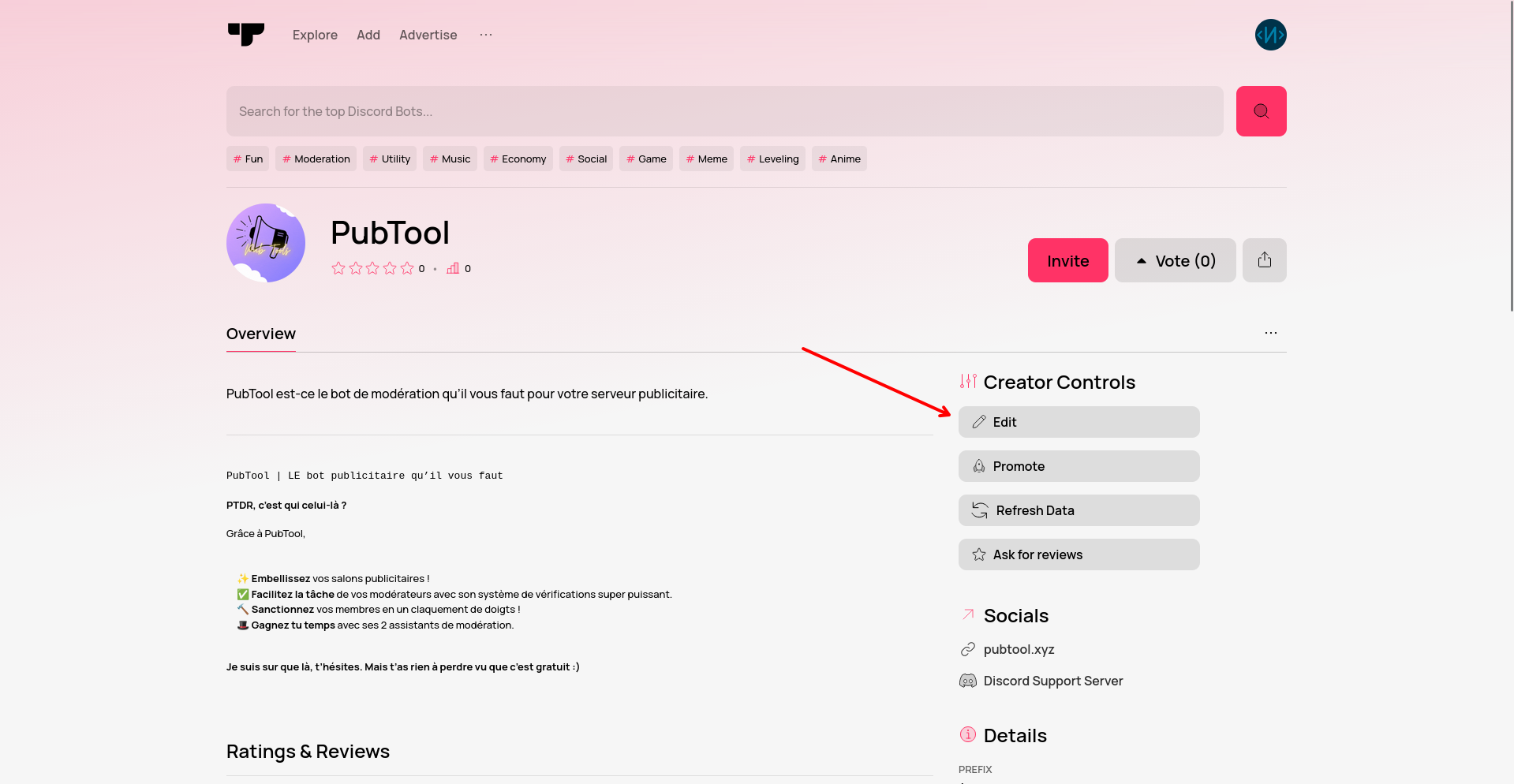
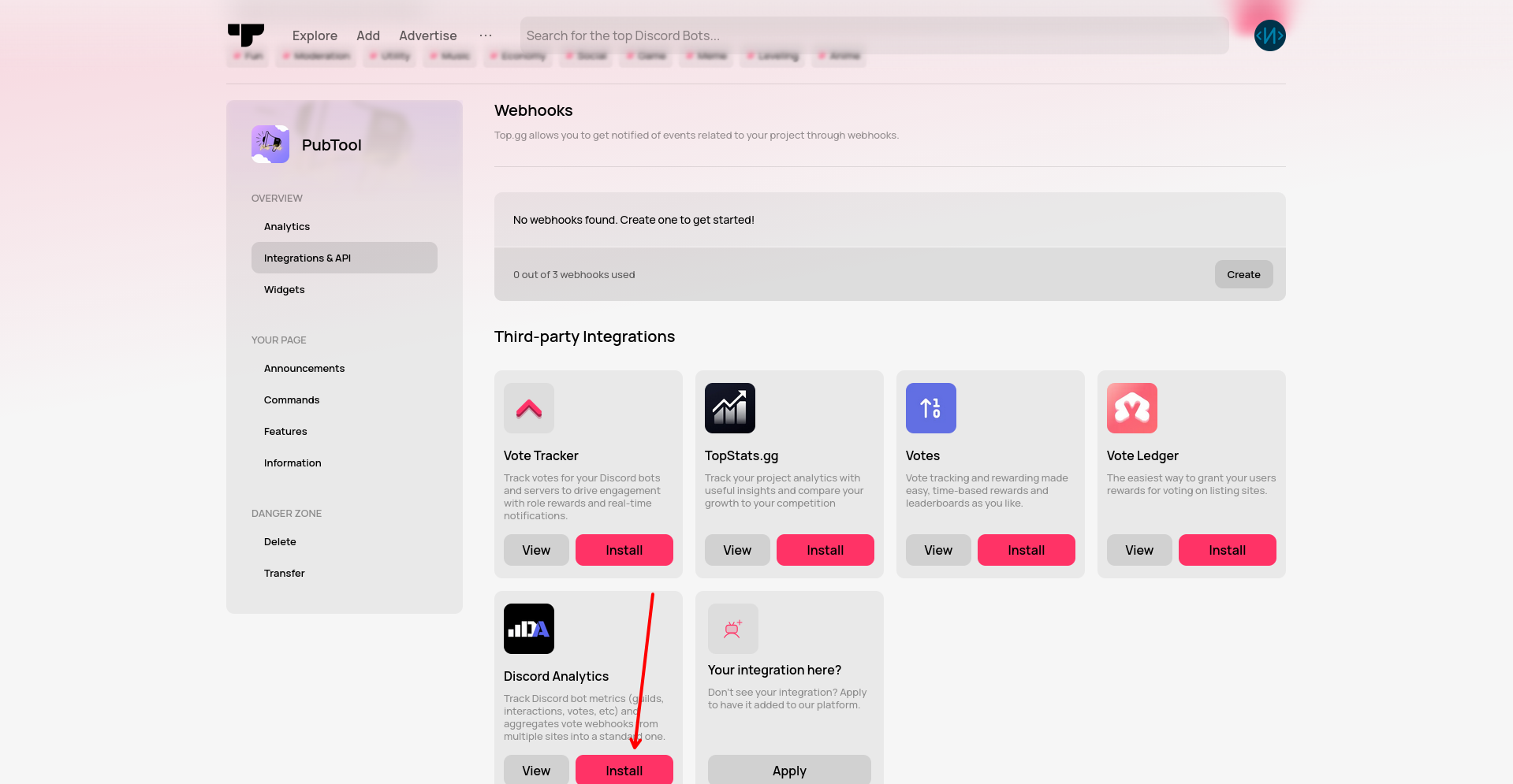
- Go to the "Integrations & API" tab and click on "Install" on Discord Analytics
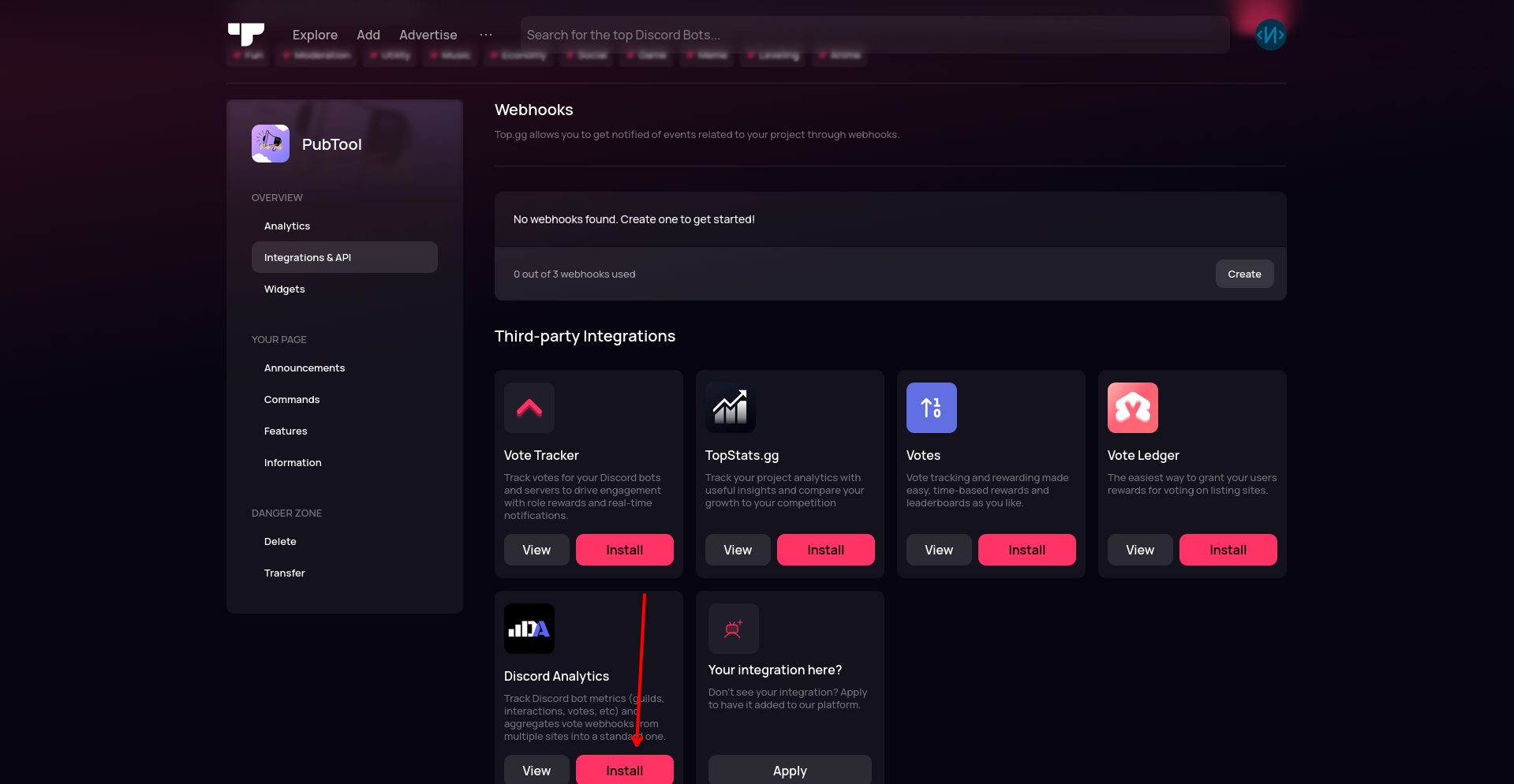
- Click on "Send a Test". If everything is correct, you will receive a confirmation email. And you should now be able to receive your votes in Discord Analytics from Top.gg.
To Go Further
If you would like, you can receive a universal webhook for all the voting providers you have set up directly in your application! To do this, go to the following page: