

Custom Events
Custom Events is a feature of Discord Analytics that allows you to define your own events. Currently, you can only create line charts.
In this example we'll assume your bot uses Discord.js and you want to know how often the messageReactionAdd event is triggered.
Create the custom event
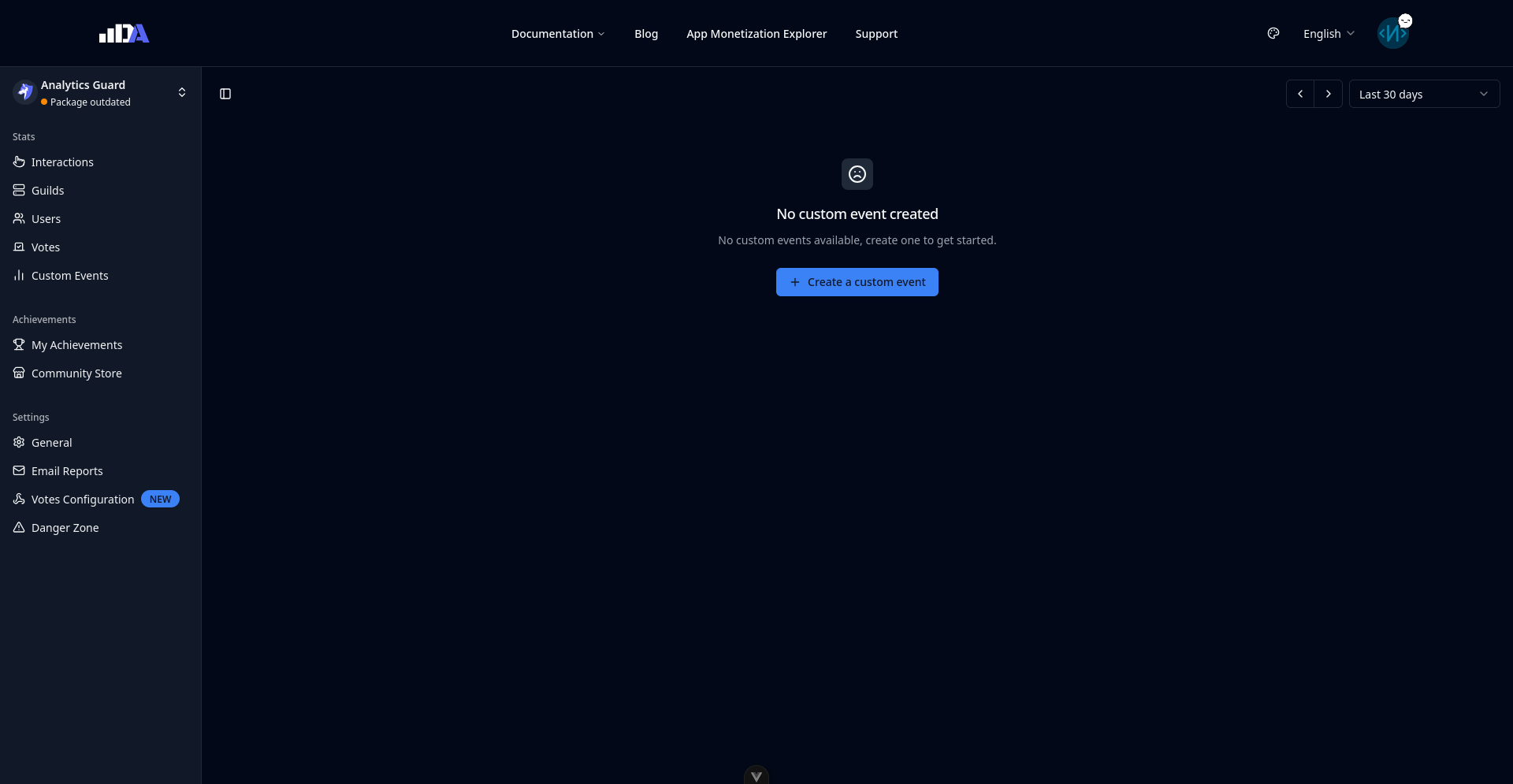
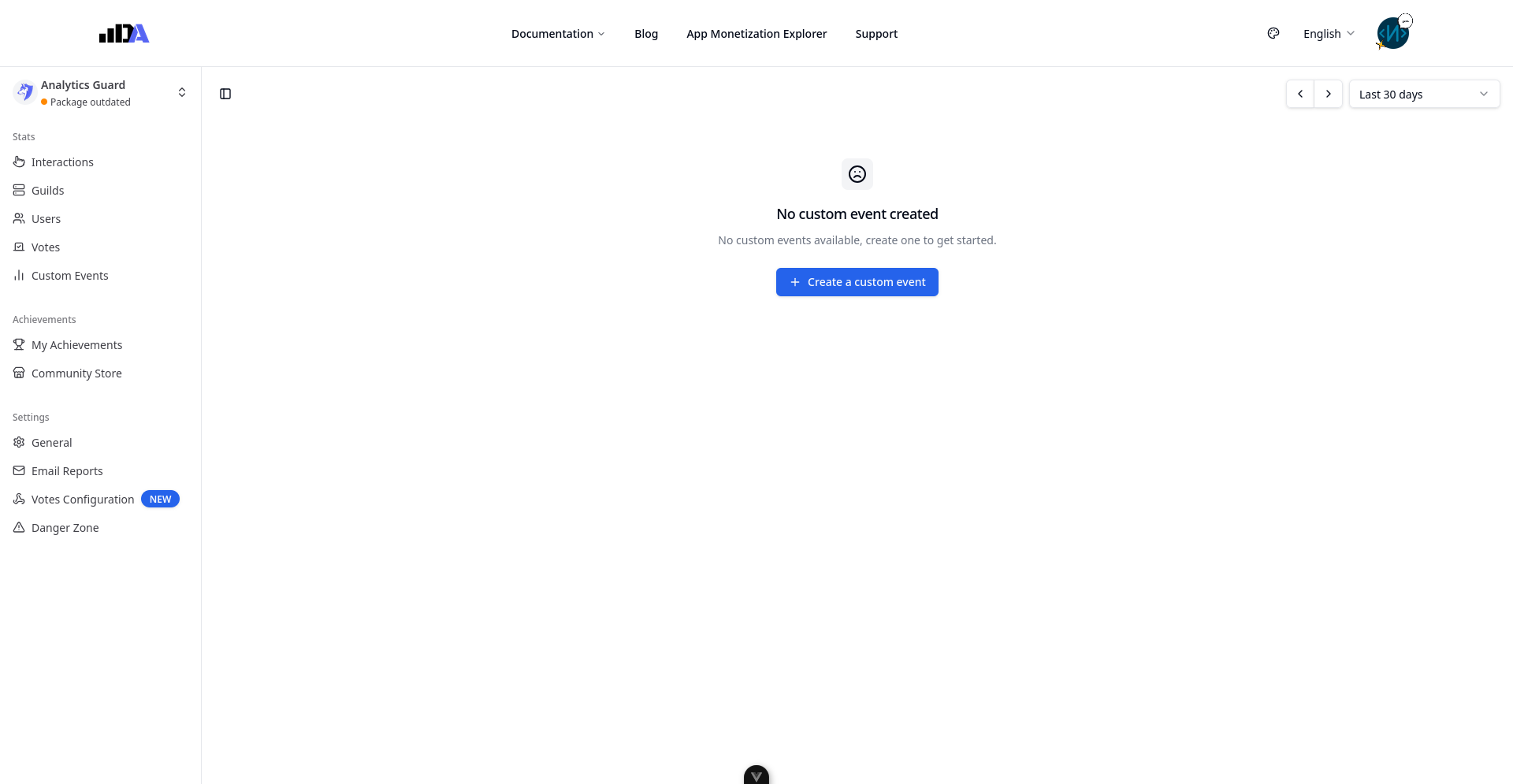
Before we start, we need to create an event on Discord Analytics' dashboard. Log in at https://discordanalytics.xyz/dash, select your bot in the menu, and go to the "Custom Events" page. Then click "Create Custom Event":
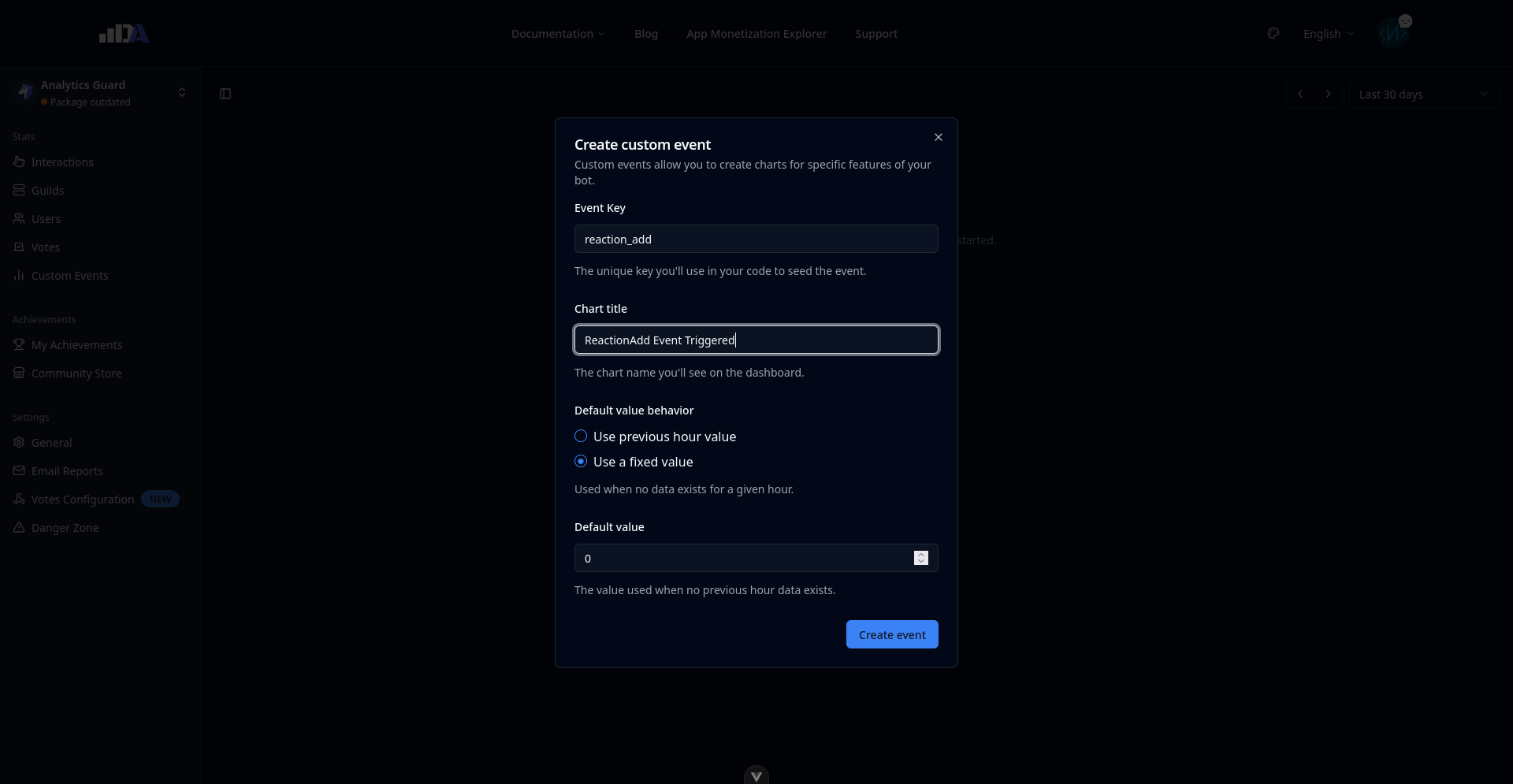
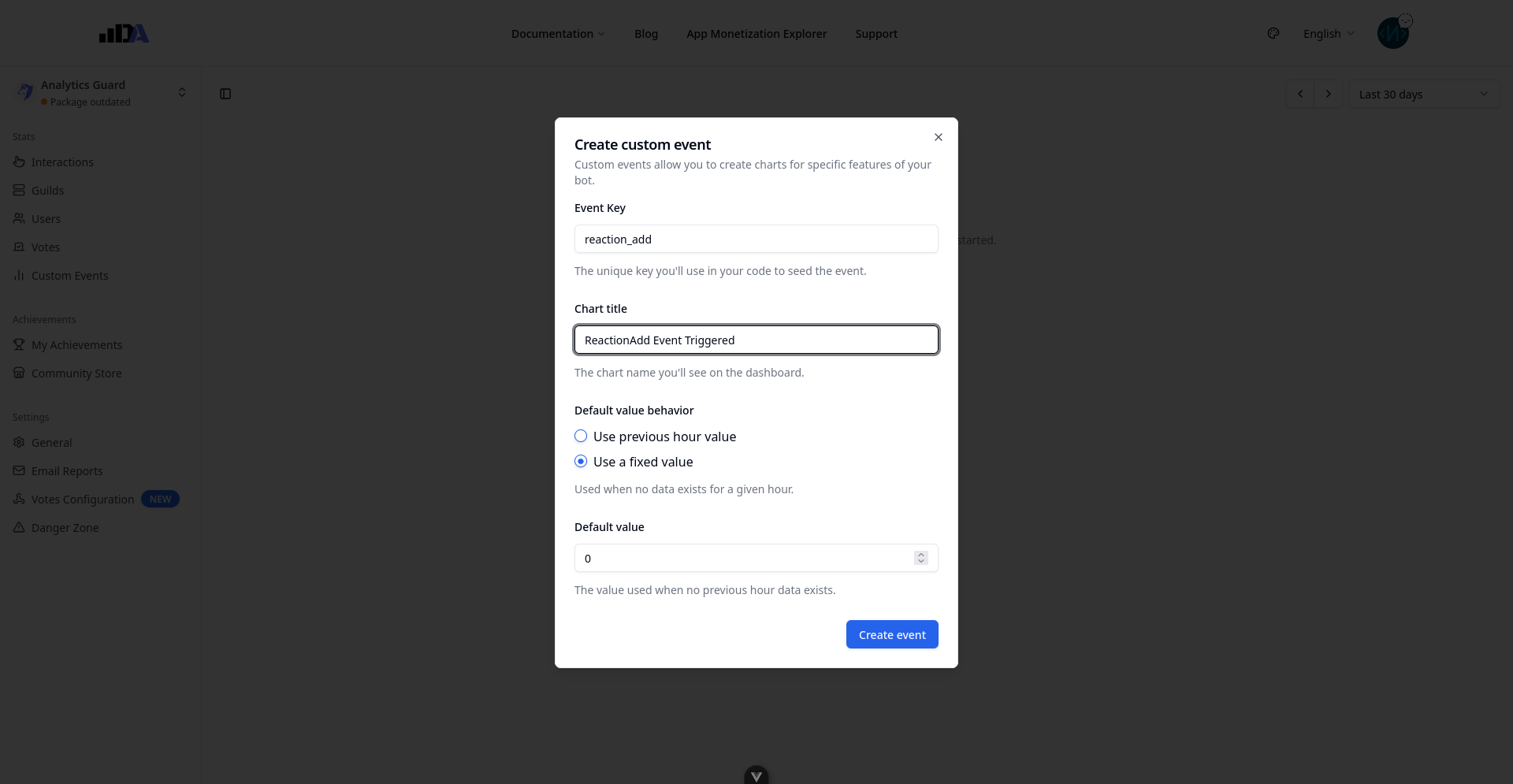
Now you need to define two things:
- The event key, which is a unique identifier for this event. It cannot be updated later, so don't use too generic a value.
- The Chart Name, which is the name of the graph shown on the dashboard.
INFO
The default value behavior allows you to define how your in behaves every time the counter is reset (every hour). The "User previous hour value" option allows you to create incremental charts (e.g. to count the amount of members banned by your bot without having to know that number in your code).
Then open your bot's code and add the following lines:
const { default: DiscordAnalytics} = require("@discordanalytics/discordjs");
const {
  ActionRowBuilder, Client, IntentsBitField, InteractionType, ModalBuilder,
  TextInputBuilder, TextInputStyle
} = require("discord.js");
require('dotenv/config');

const client = new Client({
  intents: [ // GuildMessageReactions and GuildMessages are required to receive the messageReactionAdd event
    IntentsBitField.Flags.Guilds,
    IntentsBitField.Flags.GuildMessageReactions,
    IntentsBitField.Flags.GuildMessages
  ],
});

const analytics = new DiscordAnalytics({
  client: client,
  api_key: process.env.DISCORD_ANALYTICS_API_KEY,
  debug: true,
});

client.on('clientReady', async () => {
  console.log('Client is ready!');

  await analytics.init();
});

client.on('messageReactionAdd', (reaction) => {
  analytics.events('reaction_add').increment()
})

client.login(process.env.DISCORD_TOKEN);
Restart your bot and open a channel your bot can see. Send a message and add a reaction to it. Wait 10 minutes for the stats to update, then refresh the dashboard page.
The analytics.events() function returns an Event object which provides the following methods:
const event = analytics.events("my_awesome_event");

event.increment()    // Increment the event value by 1
event.increment(2)   // Increment the event value by 2

event.decrement()    // Decrement the event value by 1 (value cannot be negative)
event.decrement(2)   // Decrement the event value by 2

event.set(5)         // Set the event value to 5

event.get()          // Returns the current event value (e.g. 5)
You now know how to use this feature, and Discord Analytics can give you stats about features specific to your bot.